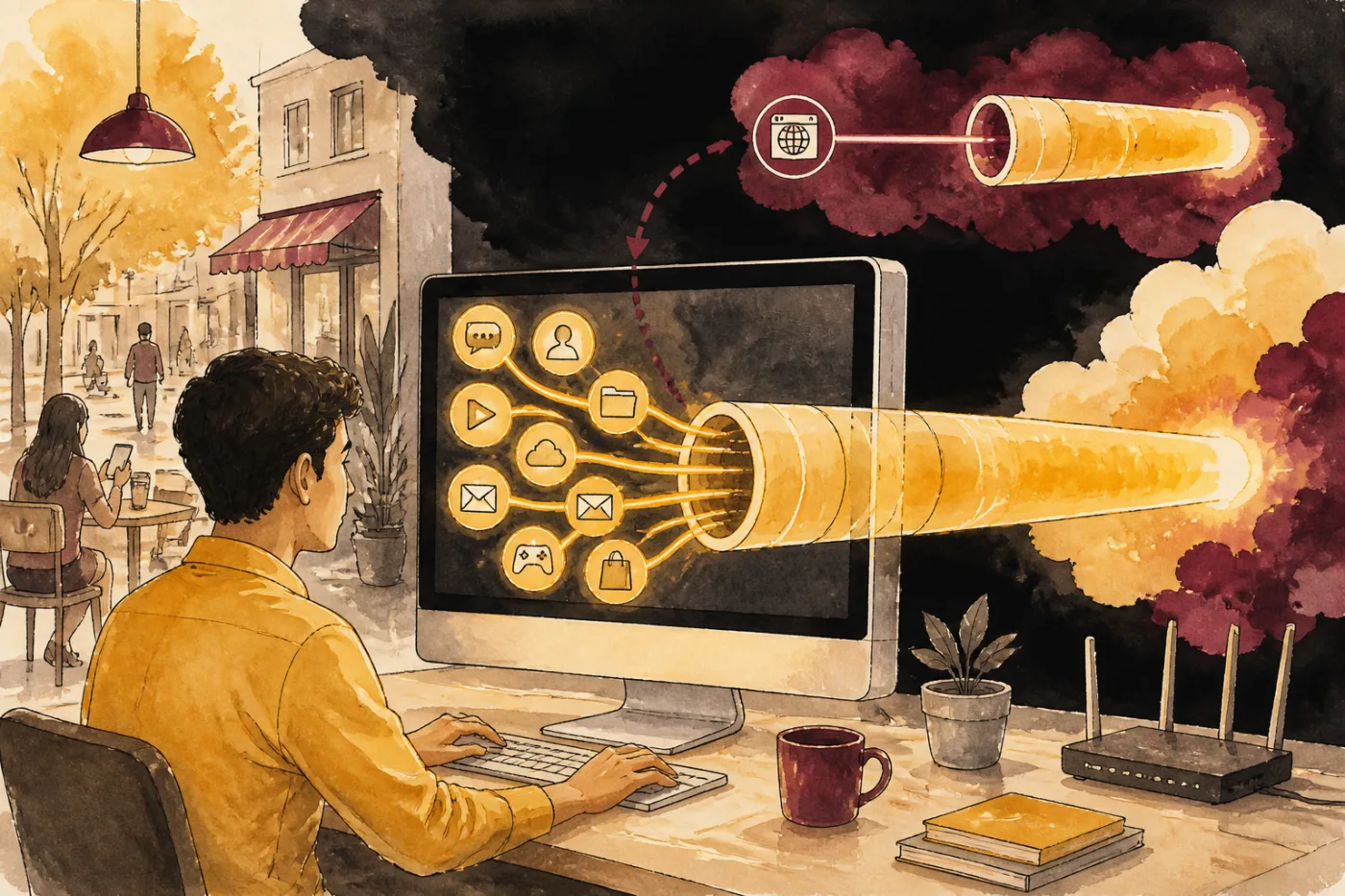
The desktop is a different animal
On a phone a tunnel client usually captures everything. A PC gives you a choice, because a browser extension covers only the browser, while a full client on the system covers every app, including a desktop editor, a cloud-sync tool and the updater. If you want the editor's traffic inside the tunnel, you need the system-wide kind. This is also why people see odd results: they switch on a browser add-on, open the editor and find it ignores the tunnel entirely.
This page does not list which client has a desktop build. Check the client's own download page for your system before you plan around it.
Setting up a tunnel on a computer
Ask the Telegram bot for your key; the VLESS link arrives in roughly a minute and needs no account.
Install a client that accepts subscription links and has a build for your system.
Paste the link, pick a server and connect. If the system asks before creating a VPN connection, allow it.
Open the editor after the client shows connected, not before.
Disconnect when you are done if you want your normal route back.
What to expect on export and upload
Desktop editing is heavy on disk and processor, and most of the waiting is local: rendering happens on your machine. A tunnel does not touch that. It adds a stop on the path for anything that goes online, such as sign-in, templates, cloud saves and sharing. If a template download stalls, the usual suspects are your Wi-Fi, your provider's route that evening, and the server you picked, in that order of how easy they are to rule out.
We publish no speed figures, so the page cannot tell you that one location will be faster. Try Manchester, Madrid, Singapore, Abu Dhabi or Toronto in turn and see what your own line does.
Where the editor stands in India
Look at the store on your own device to see whether CapCut is offered to you. A tunnel changes the visible address but not the rule at home, and there is no server in India. Which apps are blocked is set country by country and can be revised, and following local law and each service's terms stays your responsibility. Files from download sites that say they bypass anything are repacked copies, and a desktop machine holds more of your life than a phone does.
Quick checks before blaming the tunnel
- Does the same page load in the browser with the tunnel on?
- Does the editor stall on one action or on everything?
- Does it behave the same on a phone hotspot?
- Is another download running on the same Wi-Fi?
- Did a different server change anything?
Notes on preparing this page
Our product is a VPN key, so the checks above are ones you can run yourself without relying on us.
Your own system's settings screen and the client's download page remain the final word on what a desktop build can do.
Questions and answers
Programme
Do I need a separate key for the PC?
No. One link has no device limit, so the phone's link works on the computer too.
Does a browser extension cover the desktop editor?
No. An extension only handles the browser's own traffic.
Is the editor slower with the tunnel on?
Local rendering is not affected. Anything that goes online takes one extra stop and may take a moment longer.
Which servers can I choose?
Five places: Manchester, Madrid, Singapore, Abu Dhabi and Toronto. India is not among them.
Can I keep the tunnel on while I render?
Yes, rendering is local. The tunnel carries only what goes online.
Is a bank card needed for the trial?
No. The bot issues the trial link, and payment later is in cryptocurrency in the bot only.